
In a previous random image composition maker images were loaded in based on a random number and relied on the images being named as numbers (such as "01.png"). Using java.io.File we can make a composition maker that has more flexibility in loading images; it doesn't rely on us knowing ahead of time what the file names are. We can just point our application to a folder and tell it to use the images it finds there. This allows us to create a random image composition via directory list.
The first image loaded in is positioned at 0,0:
image(loadImage((String)source + "/" +
(String)filenames[int(random(filenames.length))]), 0, 0);
The images loaded after the first are located at random locations using:
image(loadImage((String)source + "/" +
(String)filenames[int(random(filenames.length))]), random(width), random(height));
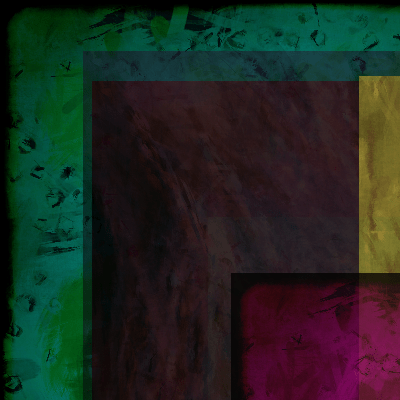
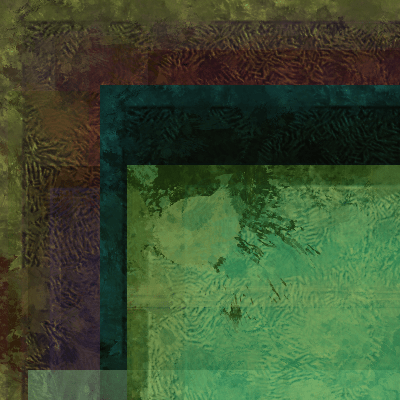
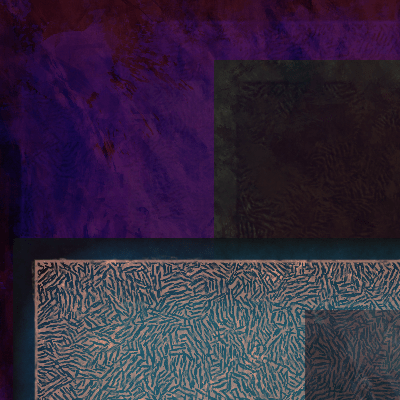
Like the previous composition maker, images have a random colored tint, and a random opacity. The tint function with the default color mode as used here takes four parameters:
//tint([red], [green], [blue], [opacity])
tint(ceil(random(255)), ceil(random(255)), ceil(random(255)), ceil(random(100)));
Search a Directory for Images
To set up the path to the folder where the images are you can use java.io.File like this:
File folder = new File(dataPath("c://media"));
Then the file names can be saved in an array from which a random file name can be chosen:
String[] filenames = folder.list();
If there are non-image files in the same folder you can add code to check that the file has the right extension before trying to load it into the Processing Sketch:
String[] imageFileNames = match((String)source + "/" +
(String)filenames[int(random(filenames.length))], ".png");

if (imageFileNames != null) {
        image(loadImage((String)source + "/" +
        (String)filenames[int(random(filenames.length))]), random(width), random(height));
        }
Random Image Composition via Directory List Code
//http://programmingisfun.com
void setup() {
size(400,400);

String source= "c://media";
File folder = new File(dataPath(source));
String[] filenames = folder.list();

if (filenames.length>0) {
    tint(random(255), random(255), random(255), 255);
    image(loadImage((String)source + "/" +
    (String)filenames[int(random(filenames.length))]), 0, 0);

    for(int i=0; i< filenames.length; i++) {
          tint(random(255), random(255), random(255), random(255));
          image(loadImage((String)source + "/" +
          (String)filenames[int(random(filenames.length))]), random(width), random(height));
    }
  }
}
These code snippets were written in 2008 but work with the current version of Processing (as of this post, v3).