
Create dynamic visuals with Processing.
Creating compositions of random lines is easy with Processing. Lines of various shades of grey are drawn across the width of the frame inside a for loop.
Random Lines, Black Background
This first version creates an 800 x 600 display window with a black background.
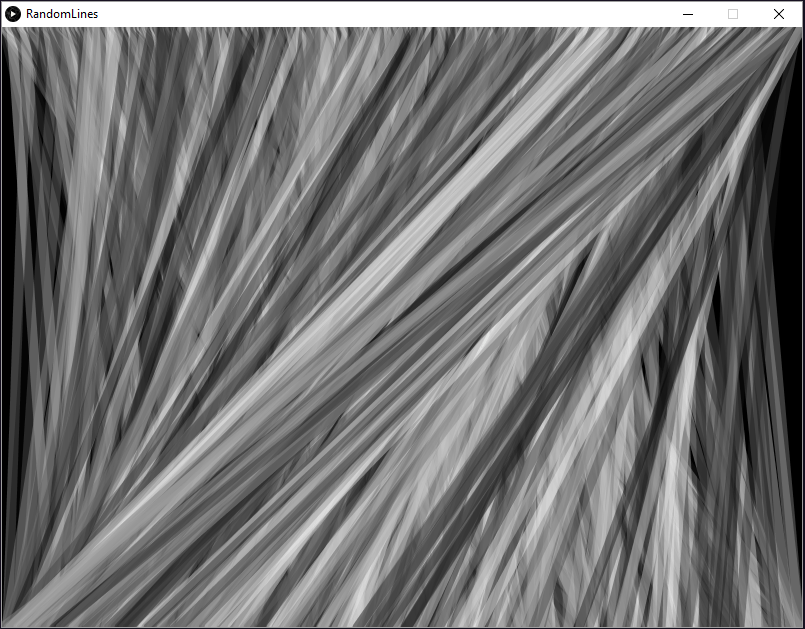
/*programmingisfun.com*/

size(800, 600);
smooth();
background(0);
strokeWeight(10);

for(int i = 0; i < width; i++) {
      stroke(random(255), 100);
      line(i, 0, random(0, width), height);
}
Random Lines, White Background
Another with the same size display window and lines, but with a white background.
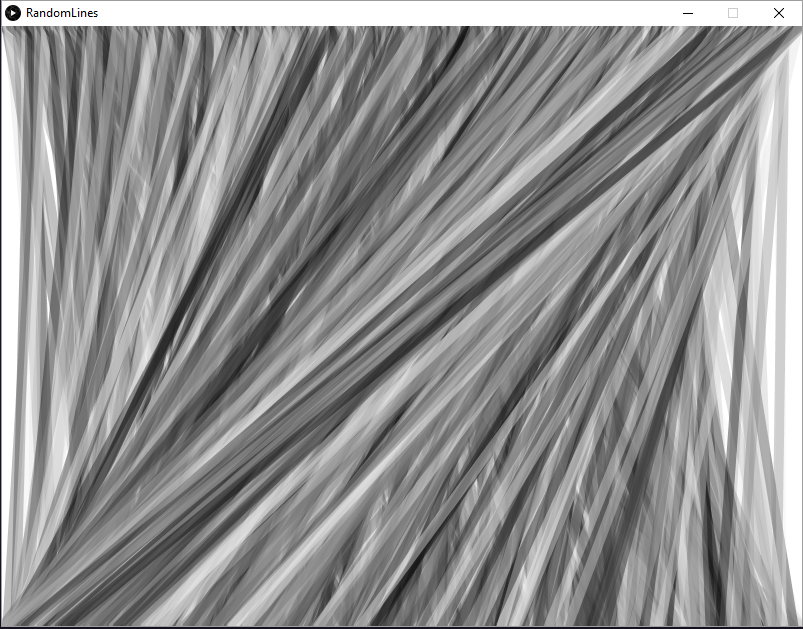
/*programmingisfun.com*/

size(800, 600);
smooth();
background(255);
strokeWeight(10);

for(int i = 0; i < width; i++) {
      stroke(random(255), 100);
      line(i, 0, random(0, width), height);
}
Random Stroke Weights
Random opacity and weight of the lines adds more variation to the composition.
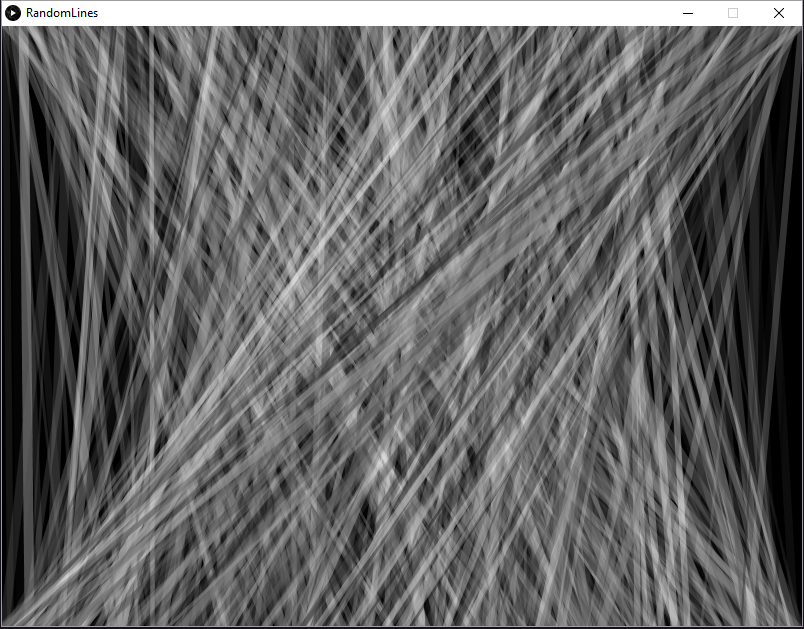
/*programmingisfun.com*/

size(800, 600);
smooth();
background(0);
strokeWeight(10);

for(int i = 0; i < width; i++) {
      strokeWeight(random(2, 10));
      stroke(random(255), random(10, 100));
      line(i, 0, random(0, width), height);
}
These code snippets were written in 2008 but work with the current version of Processing (as of this post, v3).